Features and Workflows
The QML interface is organized by feature area. That makes it possible to describe the product in the same language the repository uses.
Main feature groups
timesheets: work logging and time entry screenstasks: task-oriented views and editing flowsdashboard: charts, summaries, and overview screensprojects: project-focused pagesactivities: activity viewsupdates: change and update surfacessettings: accounts, sync, notifications, theme, and voice-model settings
Why this matters to users
This feature organization helps with:
- onboarding and training material
- screenshot-based guides
- issue reporting with more precise page references
- future release notes grouped by product area
App Visual Gallery (Snapshots)
Here are placeholders for visual guides across the main application views:
Timesheets & Logging
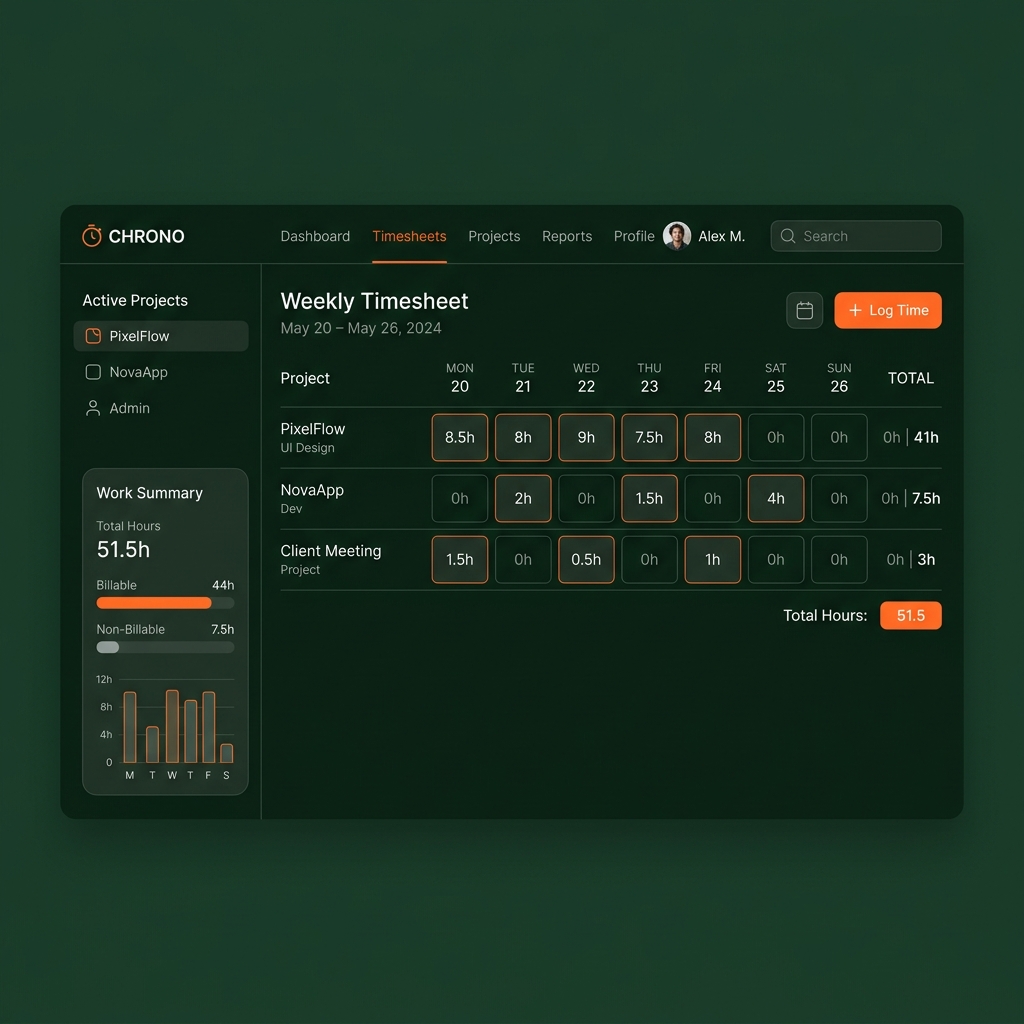 Figure 1: Interface for logging work hours, tracking entries, and editing timesheets.
Task Management
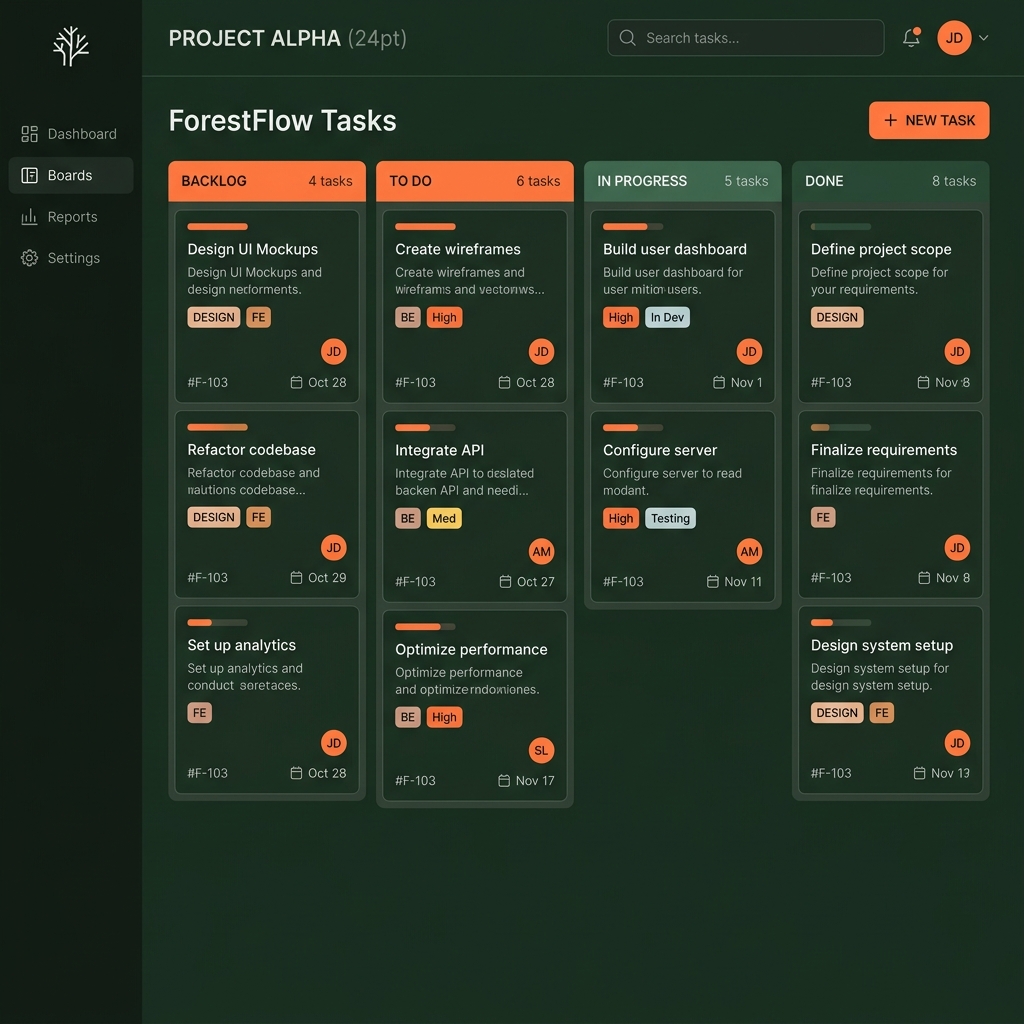 Figure 2: Kanban/list layouts showing active tasks, stages, and project assignments.
Dashboard & Analytics
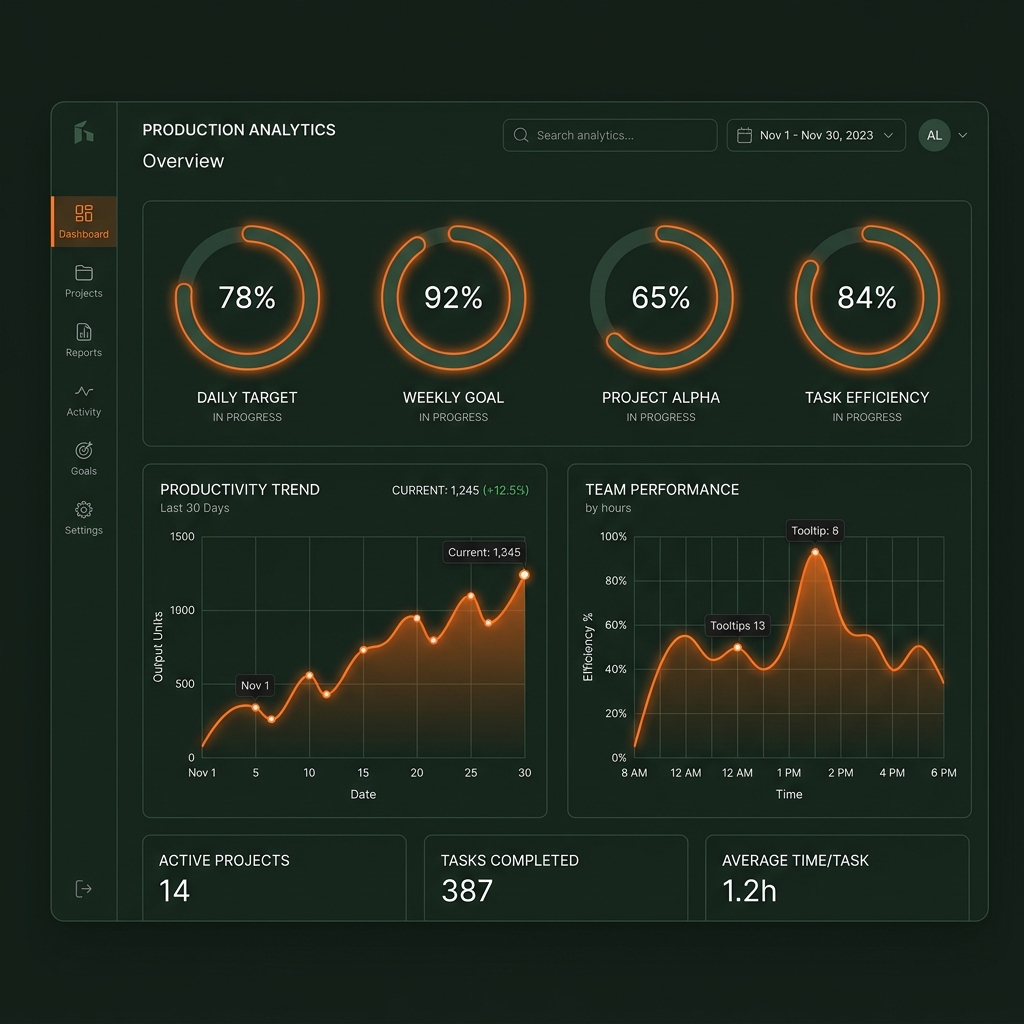 Figure 3: Dynamic charts showing project time breakdown and weekly summaries.
Settings & Configurations
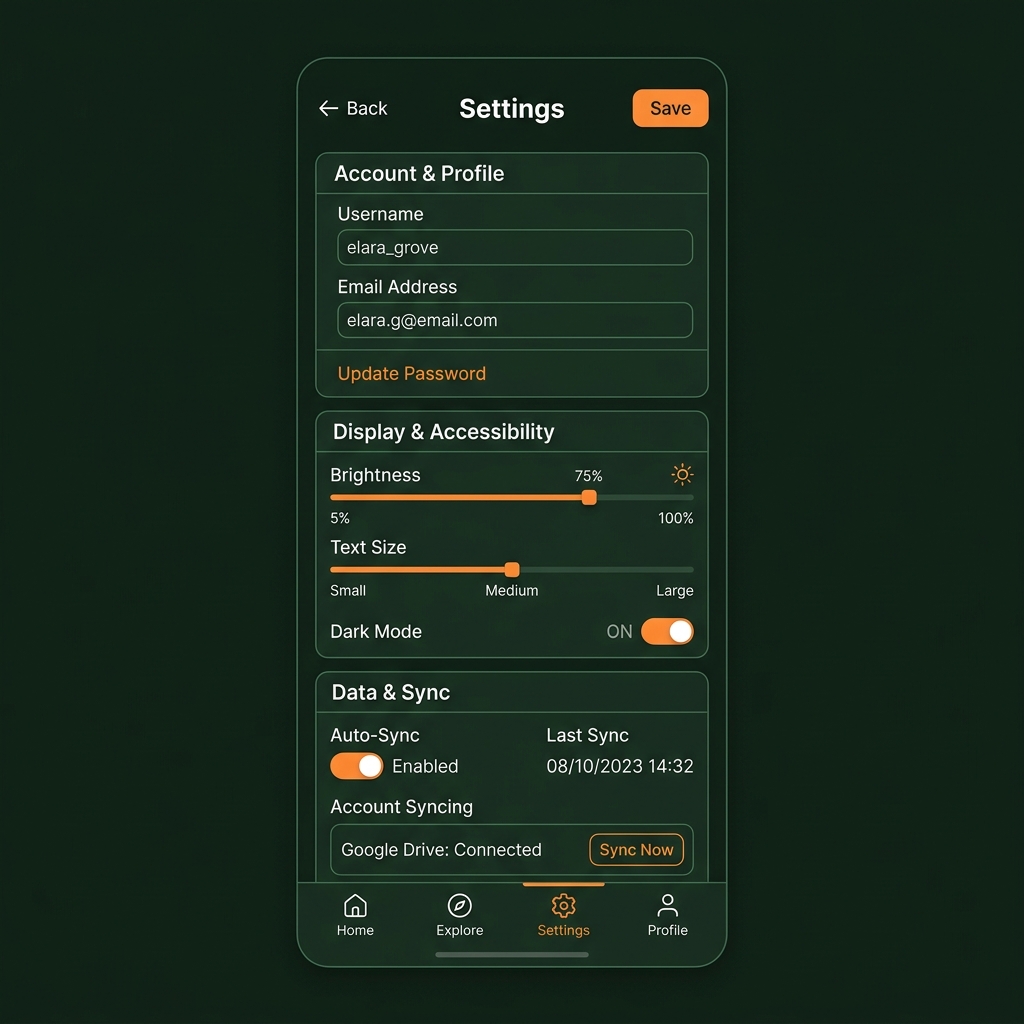 Figure 4: Settings page including sync options, server connection settings, and device properties.